Compatible with:
Video Doorbell 2K (Battery-Powered)
To set up the add-on chime with USB dongle for 2K battery doorbell in eufy App.
In the case you already set up the 2K battery doorbell, you might be familiar with the doorbell settings.
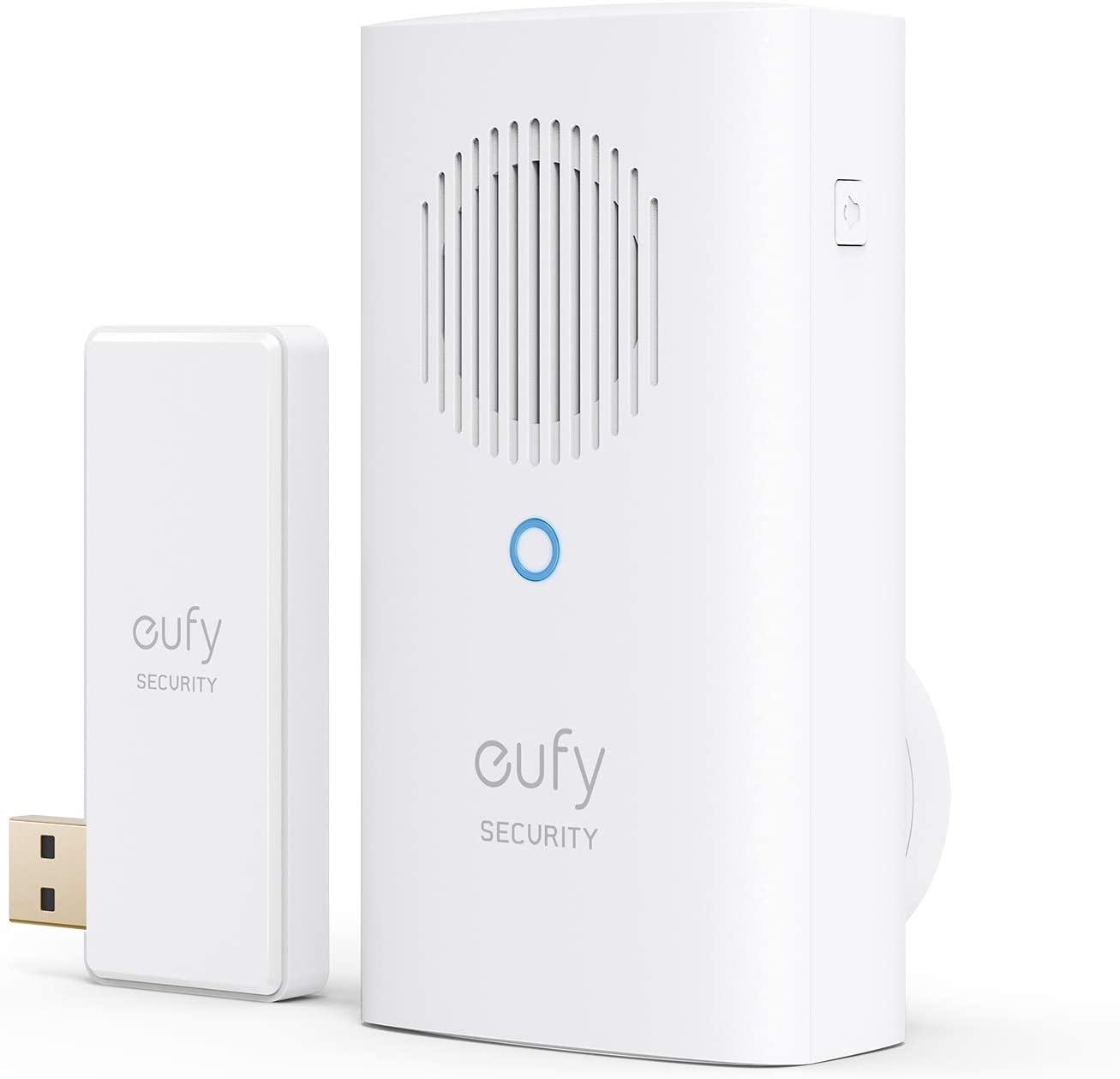
1. Open the eufy App.
2. Go to the Doorbell Settings (2K Battery Doorbell).
3. Tap the Indoor Chime in the doorbell settings.
4. Choose the Eufy Doorbell Chime.
5. Please plug in a USB Dongle to your HomeBase to connect a eufy doorbell chime.
6. Tap I’ve plugged in a USB Dongle to continue the steps.
7. Assemble the indoor Chime’s power supply and plug it into a wall outlet. Here is how: How to Assemble eufy Chime.
8. Tap Continue on the screen and long-press the SYNC button for 2 seconds. After 2 seconds you will hear a ding sound. This indicates that the Bluetooth signal is now active.
9. When you heard a ding sound, tap Heard Ding on the screen.
10. Check if Chime has successfully paired with Doorbell. The light will turn a static blue and you will hear another “ding” if the devices pair successfully. If not, try to tap the button on Doorbell to connect with Chime.
11. Adjust the Chime volume and ringtone. Here is how: Customize Your Wired Doorbell Chime.
You’re all set! If you failed to add the chime, please contact us for further assistance.
Was this article helpful?
That’s Great!
Thank you for your feedback
Sorry! We couldn't be helpful
Thank you for your feedback
Feedback sent
We appreciate your effort and will try to fix the article