Compatible with:
Floodlight Cam 1080p, Floodlight Cam E 2K, Floodlight Cam 2 Pro, Floodlight Cam E340
When you want to use the Floodlight at night without turning on its lights, you can enable the Night Vision feature in the eufy app. Here are two ways to enable the Night Vision feature.
Turn On Night Vision in Camera Settings
In Camera Settings, you will see “Auto Night Vision” for floodlight. You can toggle the button to enable the Night Vision feature.
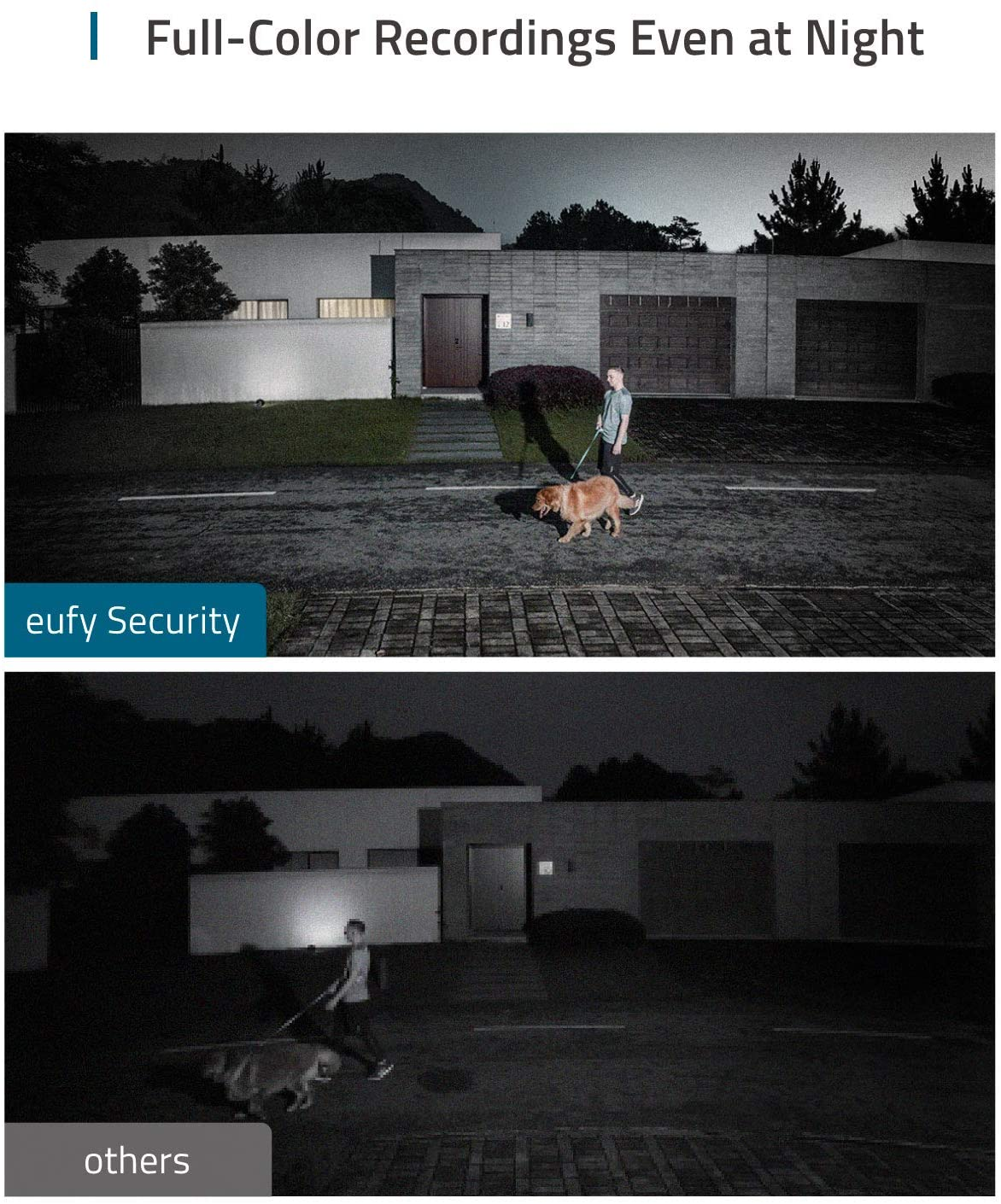
If there is no external light or spotlight nearby the floodlight, you will see black and white images when you are livestreaming the camera. When Spotlight is enabled, the picture shown will be in color even at night.
Steps in the eufy app: Slide the side menu > My Device > Floodlight > Camera Settings > Auto Night Vision.

Turn On Night Vision in Camera Live View Screen
When you haven’t enabled the Night Vision feature, images will be very dark at night. You can also enable the Night Vision feature in the live view screen by clicking after clicking .


You can easily turn off the Night Vision feature by toggling it to the left or tapping the Night Vision button.
If you have any questions, please contact us for further assistance.
Was this article helpful?
That’s Great!
Thank you for your feedback
Sorry! We couldn't be helpful
Thank you for your feedback
Feedback sent
We appreciate your effort and will try to fix the article